> For the complete documentation index, see [llms.txt](https://wiki.pokeclash.com/llms.txt). Markdown versions of documentation pages are available by appending `.md` to page URLs; this page is available as [Markdown](https://wiki.pokeclash.com/features/cosmetics.md).

# Cosmetics

On PokeClash, we have a cosmetics system that lets you equip and un-equip your cosmetics whenever you want! To be able to see them, you need the mod [CITResewn](https://modrinth.com/mod/cit-resewn) (Included in our modpacks)

#### Headgear/Hats <a href="#headgearhats" id="headgearhats"></a>

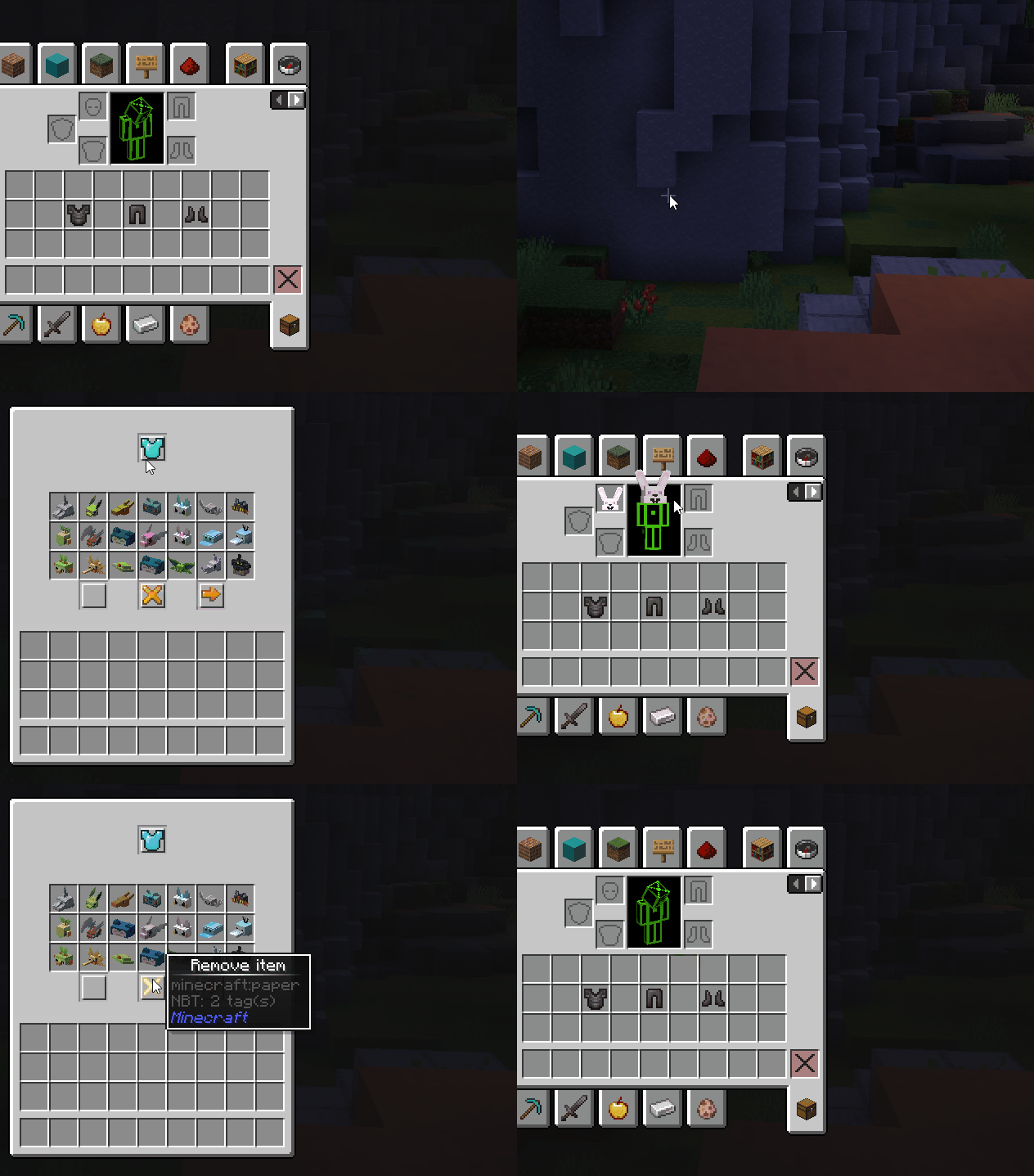
To apply a hat or helmet skin, you need to use `/cosmetics`

<div><figure><img src="https://wiki.pokeclash.com/cosmetics.gif" alt=""><figcaption></figcaption></figure> <figure><img src="https://2252788586-files.gitbook.io/~/files/v0/b/gitbook-x-prod.appspot.com/o/spaces%2F05n2iddM4D8pTIFShWlI%2Fuploads%2FZp6ncNwfqkcQjuXzgXyO%2Fcosmetics.gif?alt=media&amp;token=f6b90fb2-a683-407d-9824-df2db1b4175c" alt=""><figcaption></figcaption></figure></div>

&#x20;

#### Armor <a href="#armor" id="armor"></a>

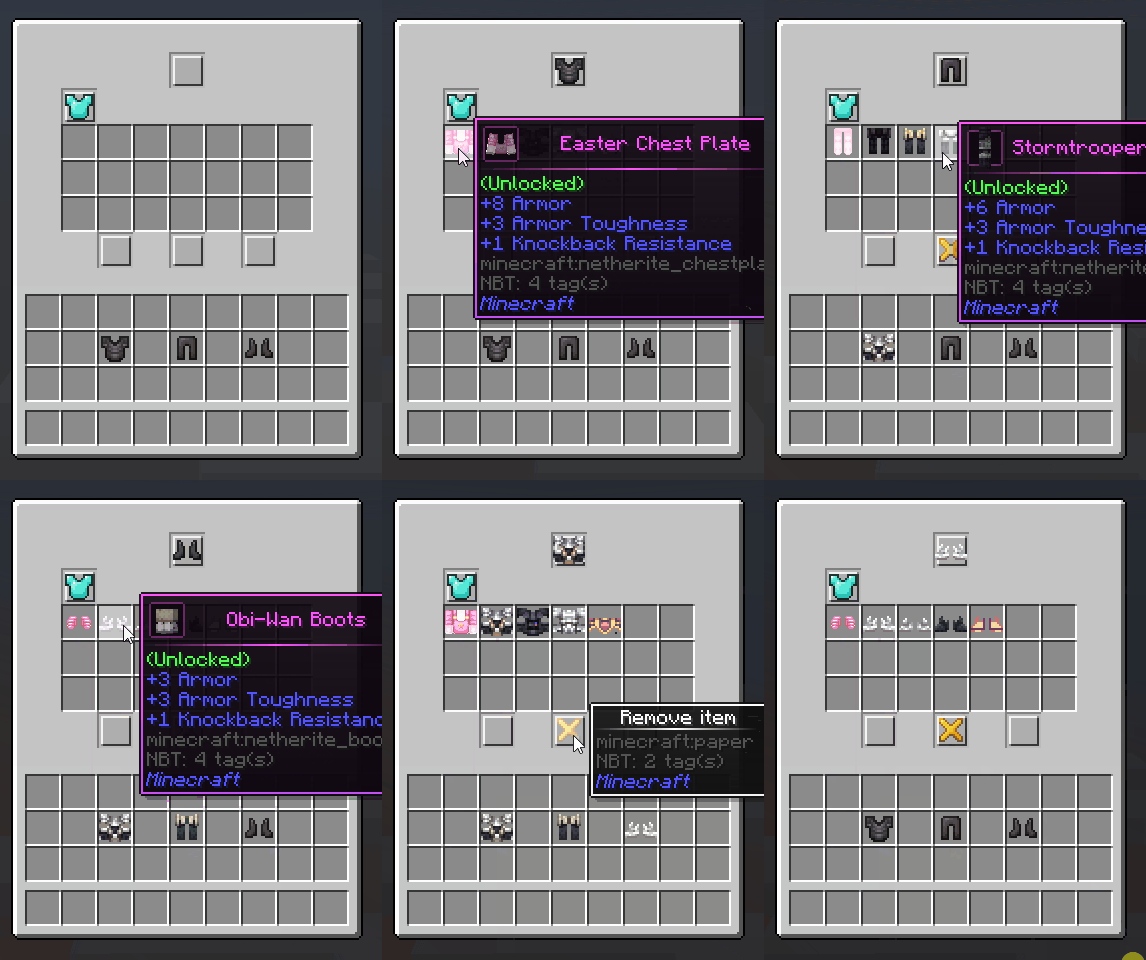
To apply the custom armor, you need to use `/itemskins`

You can check out how it works below.
<figure><img src="https://wiki.pokeclash.com/itemskins.gif" alt=""><figcaption></figcaption></figure>

<figure><img src="https://2252788586-files.gitbook.io/~/files/v0/b/gitbook-x-prod.appspot.com/o/spaces%2F05n2iddM4D8pTIFShWlI%2Fuploads%2FVKfUrtHXQ4HQ772JkJ1R%2Fitemskins.gif?alt=media&amp;token=e2d5f654-ea6d-40c9-b792-0ad303627d6a" alt=""><figcaption></figcaption></figure>